e-Scanner Easy · Efficient · Encrypted Download
App Features Plans Download

Document scanner

Scan documents. Process quickly, right on your device.

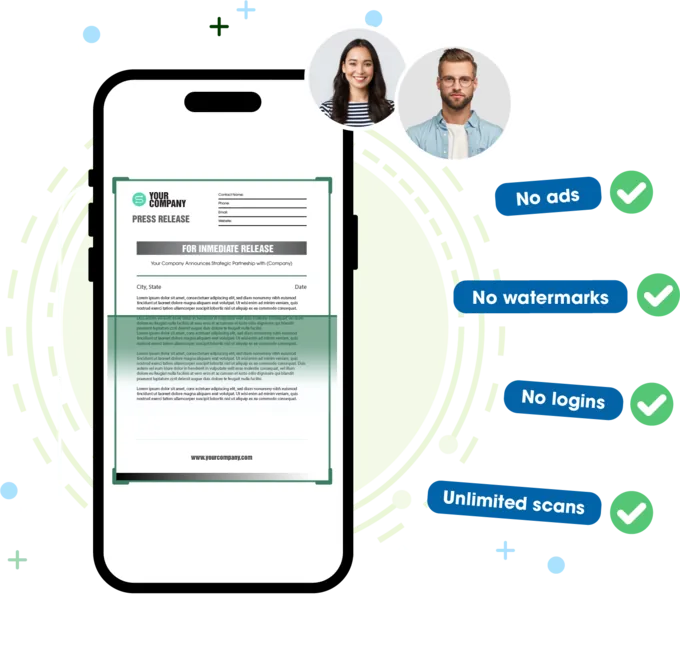
No ads. No watermarks. No logins. Unlimited scans.

Just hold your phone up. Documents are automatically aligned, color-enhanced, and converted into crisp PDFs in seconds. Everything is saved directly on your device, securely encrypted and easy to share.

A phone scanning a document, with the four things e-Scanner does not do

Core values

Easy. Efficient. Encrypted.

Easy

Smart Scan

  • Auto-capture: Just hold your phone up. The app automatically detects edges and captures instantly.
  • Auto-adjustment: Automatically fixes perspective angles and optimizes colors.
  • Flexible fine-tuning: Easily adjust brightness, contrast, sharpness, and noise reduction.
  • Easy sharing: Send directly via Email, messaging apps, or save the PDF straight to your device.
A progress ring framed by colourful document tool icons

Efficient

Advanced OCR

  • Fast and Accurate: High-precision text recognition powered directly by Apple VisionKit and Google ML Vision.
  • Versatile Inputs: Easily extract text from camera captures, photo library, or PDF files.
  • Accurate PDF to Word: A specialized engine keeps your tables, formatting, and complex formulas intact.
  • Content Search: Search the text inside all your scanned documents, not just file names, and see which documents and pages match. Opening a result is a Premium feature.
Receipts and printed forms spread across a desk

Efficient

Powerful PDF Toolkit: Replace Complex Apps

  • All-in-One: Merge, split, compress, and rotate: handle every PDF task inside a single app.
  • One-Tap Conversion: Convert Word or images into crisp, high-quality PDFs in seconds.
  • Instant Printing & Sharing: Print wirelessly or share via email and messaging apps directly from the app.
  • Sign: Create your signature by writing on the screen or use one from a photo you already have. Adjust its position, then place it on the PDF.
A document list surrounded by PDF tool icons

Encrypted

Maximum Security & Privacy

  • On-Device Encryption (AES-256): Built with security-by-design to automatically encrypt all scans, PDFs, and document names directly on your device.
  • System-Grade Protection: Leverages your device's strongest encryption. Data is excluded from automatic backups and never uploaded to the cloud without your consent.
  • App & Document Lock: Protect the app with Face ID, Touch ID, or a PIN, and set individual passwords for sensitive PDFs.
  • Transparent Offline Processing: Everything runs locally on your device, no internet required. Advanced features only run with your permission.
  • Blur sensitive details: Easily cover sensitive details before you share a document.
A phone showing a locked document with a secure badge

Toolkit

Every PDF tool you need, right on your phone

Edit, convert and optimize your documents on the spot, without reaching for a computer.

Organize PDF

Merge PDF

Combine multiple PDF files into one.

Split PDF

Break a PDF into single pages or smaller files.

Reorder pages

Drag and drop to reorder pages.

Advanced OCR

PDF to Word

Convert to Word with formatting, tables and formulas kept intact.

Extract text

Instantly extract all text from PDFs or images.

Convert to PDF

Images to PDF

Select images, arrange the order, and save as PDF.

Word to PDF

Convert docx files to PDF.

ID card & passport

Automatically fit both sides onto a single page.

Edit PDF

Compress PDF

Reduce file size based on selected quality level.

Rotate PDF

Rotate pages to the correct orientation.

Watermark

Add a text watermark, then adjust opacity, size, angle, and tiling.

PDF Security

Lock PDF

Set a password for your PDF files.

Unlock PDF

Remove password protection in moments, once you enter the valid password.

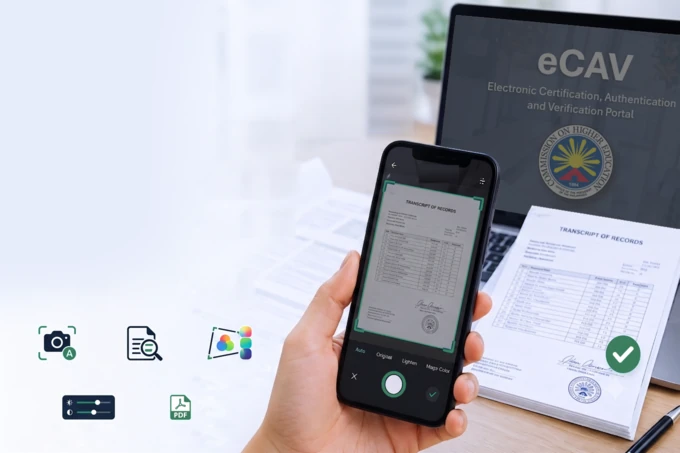
A hand holding a phone to scan a certificate on a desk

Already using a similar app?

Here is why people move to e-Scanner:

  • No ads, no sign-up, and most features are free.
  • Your data is respected and kept private.
  • Fast processing and a clear interface for every task.
  • A full set of the PDF tools you actually need.
  • Quick support whenever something goes wrong.
Switch to e-Scanner

Download it and try it today

Download on theApp Store AndroidComing soon
Download